
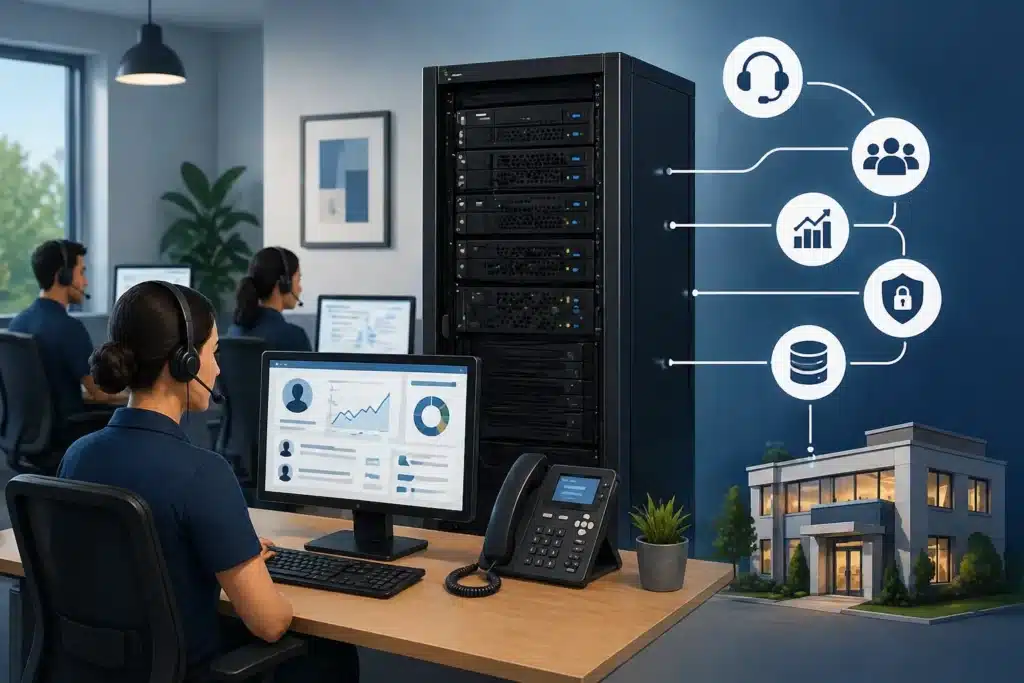
Modern cloud-based platforms like Xima offer a different approach. Instead of patching together outdated tools, SMBs can access real-time insights, streamlined workflows, and cloud-based performance without the heavy lift of traditional infrastructure.
This comparison breaks down how Xima stacks up against legacy on-prem contact center systems, so you can better understand which solution supports your team today and positions your business for what comes next.
Key Takeaways for SMBs Evaluating Cloud vs On-Prem
- Legacy contact center systems were built around on-site infrastructure and capital investment.
- Cloud platforms like Xima shift cost structure and maintenance responsibility to the provider.
- Migration concerns often center on disruption, training, and data transfer — not capability.
- As call volume grows, reporting visibility and scalability become harder to manage on legacy systems.
- Modern cloud platforms are often more manageable for small teams without dedicated IT staff.
Understanding the Two Models: On-Prem vs Cloud Contact Centers
When evaluating contact center solutions, most SMBs compare on-prem (sometimes called on-site) and cloud contact centers. Each option comes with its own requirements, responsibilities, and long-term implications. Understanding what each model actually requires day-to-day can make the decision much clearer.
How Legacy On-Prem Contact Centers Operate
Legacy on-prem contact center systems are built around equipment that lives in your office or data center. Servers, phone systems, and networking hardware all need to be purchased, installed, and maintained internally. Everything runs on infrastructure your team is responsible for keeping up and running. Xima pairs both through contact center and unified communications.
This usually means higher upfront costs tied to hardware and licensing. Over time, that equipment ages and needs to be upgraded or replaced, which adds another layer of planning and expense. Growth is not always simple, either; adding new agents or capabilities often involves purchasing additional equipment, updating licenses, and coordinating setup.
Maintenance is another key factor. Internal IT teams handle updates, troubleshooting, and system performance, which can stretch resources thin for smaller organizations.
How Cloud Contact Centers Like Xima Operate
With a cloud contact center, the infrastructure is hosted and managed by the provider, so your team does not need to maintain physical systems. Access is delivered over the internet, which keeps setup lighter and more flexible. This also enables automatic background updates and allows employees to use the system from anywhere with an internet connection.
Most platforms, including Xima, follow a subscription-based model, allowing costs to scale alongside your team. Adding users is typically quick and does not require new hardware or complex configuration. This makes it easier to adjust as your needs change.
Operational Comparison: Day-to-Day Impact on Small Teams
Below is a closer look at the key differences between Xima’s cloud contact center and the average legacy on-prem system. While comparing, consider whether your SMB has the financial and operational capacity to maintain an on-prem system. If not, a cloud-based platform may be the best option.
Operational Area | Legacy On-Prem Systems | Xima (Cloud) |
Implementation Time | Longer setup with hardware configuration | Faster deployment without physical infrastructure |
Scalability | Requires hardware expansion and provisioning | Add or remove users with minimal configuration |
Maintenance | Internal IT handles updates and patches | Updates managed by provider |
Often delayed or hardware-dependent | Real-time dashboards and centralized reporting | |
Remote Support | VPN or complex setup required | Built for remote and hybrid agent access |
Cost Structure | Large upfront capital expense | Predictable subscription-based pricing |
Where Legacy Systems Struggle as Expectations Change
As customer expectations shift and work environments become more flexible, contact center technology needs to keep pace. Many SMBs are supporting hybrid teams, managing higher interaction volumes, and responding to customers who expect quick, seamless communication across channels. In this environment, legacy on-prem systems can start to feel restrictive.
Physical infrastructure plays a major role in that limitation. Systems tied to a specific office or data center can make it harder to support remote or distributed teams. Expanding access often requires additional setup, network adjustments, or workarounds that were not part of the original design. What once worked well for a centralized team may not translate easily to a more flexible workforce.
Adding new communication channels can also introduce friction. As customers move between phone, chat, email, and other platforms, legacy systems may require separate tools or added configuration to support each one. This can increase costs and create a more disjointed experience for both agents and customers.
As complexity grows, visibility can become more difficult to maintain. Reporting may live across multiple systems or require manual effort to piece together a full picture of performance. Managers can end up spending more time gathering insights than acting on them, which slows down decision-making and makes it harder to stay responsive in a fast-moving environment.
Financial Tradeoffs of On-Prem Contact Center Systems
The true cost of an on-prem contact center builds over time. As teams grow and operations become more complex, the effort required to support the system can introduce ongoing strain that is easy to overlook at the start.
Provisioning new agents often takes time, which can slow onboarding and limit flexibility during periods of growth. Licensing needs expand alongside the team, with costs increasing in unpredictable ways. IT needs also tend to increase as maintenance, updates, and troubleshooting demand more attention.
Together, these factors can lead to a steady rise in operational overhead, making it harder for SMBs to remain agile as their needs evolve.
Signs It May Be Time to Move Beyond Legacy Systems
Legacy systems often provide a sense of control and familiarity, especially for teams that have relied on them for years. At the same time, that control can come with added responsibility as systems grow more complex and harder to manage. Cloud-based platforms shift much of that burden off internal teams, making it easier to scale and adapt without as much hands-on oversight.
The right choice comes down to how your business is evolving. You might want to consider switching to a cloud-based solution like Xima if:
- Adding new agents or locations feels slower than expected
- Supporting remote or hybrid teams requires extra setup or workarounds
- Expanding into new communication channels creates added complexity
- Reporting takes significant manual effort to compile and analyze
- IT resources are increasingly tied up in maintenance and troubleshooting
- System updates or upgrades feel disruptive or difficult to manage
Addressing Migration Disruption Concerns
It’s normal to hesitate when the conversation turns to replacing a system your team already knows. Even if it’s not perfect, it works, and the idea of disrupting daily operations can feel riskier than staying put.
In reality, most contact center migrations are not all-or-nothing. Teams often move in phases, introducing new tools or workflows gradually instead of flipping a switch overnight. This keeps core operations steady while giving people time to adjust.
Some organizations also run systems side by side for a period. The legacy platform stays in place while the new one is rolled out, which helps reduce pressure and creates a fallback if needed.
Training follows a similar pattern. Instead of retraining everyone at once, teams can onboard in smaller groups, making it easier to support adoption and answer questions as they come up.
The goal is not to rush the change, but to manage it in a way that keeps your team confident and your operations stable throughout the process.
Is Your Infrastructure Limiting Growth?
If scaling your contact center requires new hardware, manual provisioning, or complex reporting workarounds, it may be time to evaluate a cloud-based alternative built for steady growth.

Choosing Between Infrastructure Ownership and Operational Simplicity
Choosing between a legacy on-prem system and a cloud-based platform like Xima is less about which model is “better” and more about what your team can realistically support as you grow. Infrastructure ownership can offer consistency and control, but it also brings ongoing responsibility. Cloud solutions shift that balance, reducing maintenance demands and making it easier to adapt as needs change.
If you’re exploring what a more flexible, easier-to-manage contact center could look like, it may help to see it firsthand. Schedule a demo with Xima today to walk through the platform, ask questions, and see how it could fit into your existing workflows.
FAQs
If adding agents, locations, or new channels feels slow or resource-heavy, that’s a common signal. You may also notice delays in onboarding, limited visibility into performance, or increased reliance on IT just to maintain day-to-day operations.
On-prem systems offer control and familiarity but require ongoing maintenance, infrastructure management, and manual scaling. Cloud platforms reduce that administrative burden, making it easier to scale, update, and support distributed teams with less internal effort.
Migration is usually more manageable than expected. Many teams take a phased approach, run systems in parallel, and roll out training in stages to avoid disruption. With proper planning, transitions can happen without interrupting core operations.
Beyond initial setup, costs can include hardware upgrades, expanding licenses, IT labor, system maintenance, and time spent on manual processes like reporting or provisioning. These can add up gradually as complexity increases.
Cloud platforms typically centralize data and provide real-time dashboards, making it easier to monitor performance without manual effort. Supervisors can access insights quickly, track trends, and make faster decisions without pulling data from multiple systems.


