
Customer expectations keep moving faster. People want quick answers, easy handoffs, and support that remembers what happened earlier in the conversation. For small and mid-sized businesses, meeting those expectations can be difficult when the same team is managing queues, answering questions, handling escalations, and trying to keep costs under control.
AI can take some of that pressure off. In a contact center, it can handle routine requests, help route customers to the right person, surface useful information during a conversation, and turn interaction data into something supervisors can actually use.
The important part is choosing practical applications. SMBs do not need AI for every task. They need the right tools in the places where customers and employees feel the most friction.
What is AI in Customer Experience (CX)?
AI in customer experience is the use of artificial intelligence to make customer interactions faster, more relevant, and easier to manage across channels. In a contact center, that can include conversational AI that answers routine questions, intelligent routing that identifies customer intent, and analytics that help supervisors understand what is happening across calls and digital interactions.
Older automated systems often depended on rigid menus and predefined responses. Modern AI can work with natural language, recognize the intent behind a request, and use available business information to determine what should happen next. Depending on the system and its permissions, an AI agent may be able to do more than answer a question. It may also update a record, schedule an appointment, or start another workflow.
The customer should not have to care which technology is being used. What matters is whether the experience is faster and whether the right information follows the interaction. In a contact center, that means keeping context connected across queues, channels, knowledge bases, and live agents.
- Automation: AI handles repetitive requests and routine workflows that do not require a person.
- Prediction: AI analyzes historical and current data to help teams anticipate demand, identify trends, or spot potential issues.
- Personalization: AI uses customer context and interaction history to make support more relevant.
- Conversation understanding: Natural language processing helps systems interpret what customers are actually asking instead of waiting for a specific keyword or menu selection.
- Agent support: AI can surface information, suggestions, and context while a representative is still handling the interaction.
The Benefits of AI on Customer Support
AI can affect several parts of the customer experience at once, but the strongest use cases tend to connect directly to a metric or operational problem.
Lower handle time and better First-Contact Resolution. An agent who has the right customer information and relevant guidance in front of them spends less time searching, repeating questions, or putting a caller on hold. That can make it easier to resolve an issue in the first interaction instead of creating another contact later.
Lower Customer Effort Score. Customers feel the difference when they do not have to repeat their account information, move between channels, or explain the same issue to multiple employees. Connected AI workflows can shorten those paths and make handoffs smoother.
More useful personalization. AI can use customer history and interaction context to help agents understand what matters before they start a conversation. For an important account, that could mean seeing previous issues, recent contacts, or the reason the customer is reaching out before the agent has to ask.
Less after-call work. AI-generated summaries and automated documentation can reduce the amount of typing agents have to do between interactions. That gives the team more available capacity without simply asking agents to work faster.
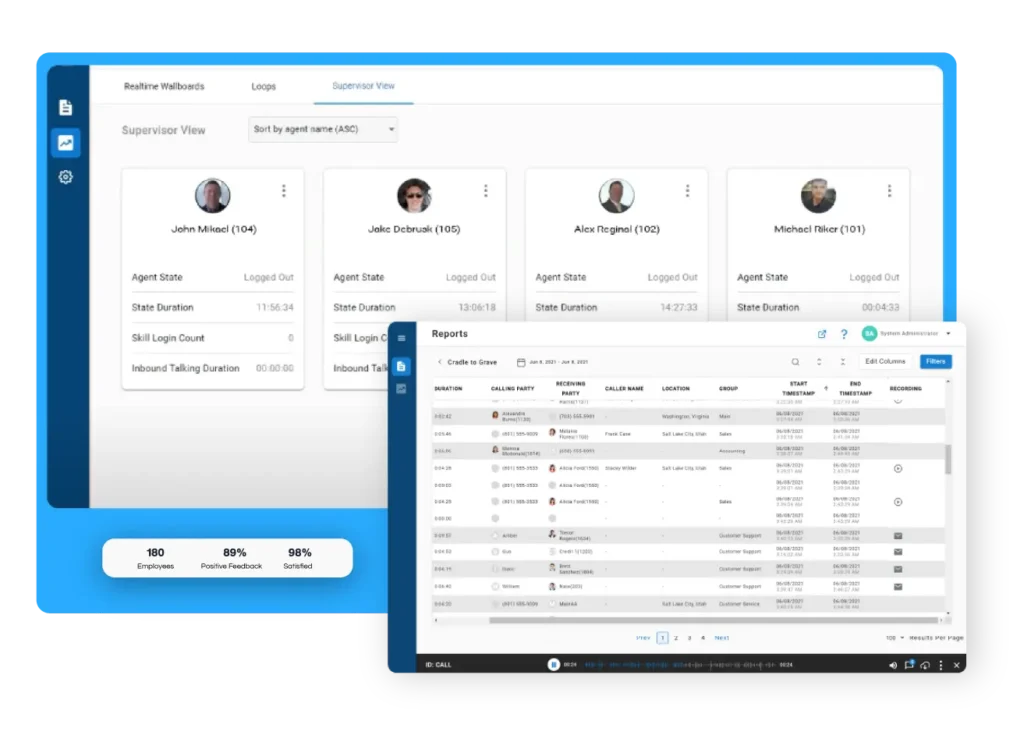
Better visibility for supervisors. Automation is only part of the picture. The bigger advantage often comes from being able to see patterns across customer conversations, agent performance, and queue activity. Xima’s customer-centric service and support approach reflects that broader goal, combining customer experience with the tools teams need to support it.
Lower operational strain. When routine work is handled automatically, agents can spend more time on complex questions and conversations that benefit from human judgment. That can also reduce some of the repetitive work that contributes to agent frustration and burnout.
Practical AI-driven CX Use Cases
The most useful AI applications can be mapped to different stages of the customer journey. The common thread is simple: remove unnecessary work while keeping the customer connected to the right resource.
Before the Customer Reaches an Agent
Self-service is often the easiest place to start. Virtual agents can answer common questions, check account information, provide order updates, and handle other straightforward requests without sending every customer into the live queue.
AI can also classify an incoming request before it reaches an agent. Instead of asking a customer to work through several menu options, the system can use natural language to understand what they need and send the interaction in the right direction.
During the Interaction
Once a live agent joins the conversation, AI can shift from customer-facing automation to agent support.
Real-time assistance can surface relevant information, suggested responses, or other guidance based on the conversation. A well-designed agent experience keeps that support close to the interaction so representatives do not have to jump between tools just to find an answer.
AI can also help determine when an interaction needs additional attention. Sentiment signals, intent data, and other interaction details can help supervisors spot conversations that may need intervention.
After the interaction
Post-call work is another area where AI can make a noticeable difference. A system can summarize the interaction, capture important details, apply tags, and support CRM updates so the agent can move on without spending several extra minutes documenting what happened.
At the same time, the interaction data becomes useful to supervisors. Trends across calls can reveal recurring customer problems, process gaps, or coaching opportunities that would be difficult to spot by looking at one conversation at a time.
Xima’s recent AI use cases in contact centers include virtual agents, real-time agent support, automated call summaries, sentiment analysis, QA, and forecasting, showing how these capabilities can work together across the operation.
Emerging Trends in AI for Customer Experience
AI in CX is moving toward systems that can do more during an interaction instead of simply responding to a question.
- Agentic AI is becoming more action-oriented. Rather than stopping at an answer, newer AI systems can work through multiple steps and complete tasks across connected applications. That could mean updating a record, initiating a request, or completing another approved workflow.
- Conversational interfaces are becoming a more natural front door. Customers increasingly expect to explain what they need in their own words instead of navigating a rigid menu.
- Real-time sentiment and intent analysis are becoming more useful. Instead of analyzing customer emotion only after a call ends, AI can identify changes during the interaction and give supervisors or agents additional context while there is still time to respond.
- AI copilots are moving into everyday agent workflows. Suggestions, knowledge retrieval, summaries, and other assistance tools are designed to reduce the amount of time agents spend searching or documenting.
- AI is becoming more connected to the existing contact center stack. For SMBs, that matters because the goal is usually to improve the current operation rather than create another standalone system.
These trends also create practical questions for IT and operations leaders. Before expanding AI, teams need to understand what data is available, how it is governed, which workflows can be automated safely, and which tasks should remain with a person.
Challenges of Implementing AI CX
AI can improve customer experience, but poor implementation can create new problems just as quickly.
A frustrating automated interaction can make a customer more likely to ask for a human or abandon the process entirely. That is especially true when the system cannot understand the request and continues sending the customer through the same dead end.
Data quality is another concern. AI relies on the information it can access. If the underlying policies, customer records, or knowledge base are incomplete or outdated, the system has a weak foundation for making decisions or generating responses.
Privacy and security also need to be part of the conversation. Customer interactions may contain sensitive information, and recording, transcribing, and analyzing those conversations creates responsibilities around access, retention, and compliance.
For many SMB contact centers, a hybrid model makes practical sense. Let AI handle routine work while giving customers a clear path to a person when an issue is sensitive, unusual, or simply better handled through human judgment.
Ongoing analytics and quality monitoring matter here too. Leaders need a way to see when automated experiences are creating friction, when sentiment is declining, or when a workflow is producing unexpected results. AI should create more visibility, not less.
How to Implement AI for your Support Team
A practical rollout does not have to involve a massive technology project. Start with a clear problem, establish a baseline, and expand once the team knows what is working.
- Define the business goal first. Decide what you are trying to improve. That might be reducing handle time, improving First-Contact Resolution, lowering abandonment, reducing after-call work, or giving supervisors better visibility.
- Audit your current data and workflows. Review the knowledge base, customer records, reporting, existing automation, and the systems agents use every day. Make sure the information AI will rely on is current and accessible.
- Start with a contained use case. Rather than trying to change every part of the customer journey, begin with something manageable. Post-call summarization, basic self-service, or another lower-complexity workflow can give the team a practical starting point.
- Bring agents, supervisors, and IT into the process early. The people using the tools every day will quickly identify where AI helps and where it creates extra work. Strong team management and clear training can help employees understand how AI fits into their existing responsibilities.
- Measure the result before expanding. Compare the new workflow against the baseline you established at the start. Once the team has enough evidence that the use case is useful and reliable, expand into additional queues, channels, or workflows.
As AI capabilities grow, quality assurance should grow with them. Automated quality assurance can help teams monitor interactions at scale and identify where coaching or process changes are needed.
Bring Native AI to Your Contact Center with Xima Software
Xima builds AI directly into the contact center environment, so teams can add automation and intelligence without turning their operation into a collection of disconnected tools.
The Messaging Bot can handle routine customer questions before they reach a live representative. Auto QA evaluates 100% of interactions against defined criteria, giving supervisors a broader view of quality and compliance than manual sampling can provide. Xima Insights adds another layer by helping managers understand why performance changes and where attention is needed.
That combination matters because customer experience is not just about automation. It is also about what happens after the interaction, how the agent performs, and whether the supervisor can see the patterns shaping the overall customer journey.
Xima is built for small and mid-sized contact centers that need those capabilities without the complexity typically associated with larger enterprise platforms. Its AI tools work alongside the broader Xima environment, helping teams connect customer interactions, agent performance, and operational visibility in one place.
Book a Xima demo to see how AI can fit into your contact center.
FAQs About AI in Customer Experience
Pricing varies based on the platform, features, number of users, and deployment model. SMBs should look at the total cost of the technology and implementation alongside the specific operational problem it is expected to solve.
AI can help contact centers respond faster, reduce repetitive work, and give managers better visibility into customer interactions. The value comes from applying it to real operational problems rather than using automation simply because it is available.
Choose metrics that match the use case. Common measures include First-Contact Resolution, average handle time, abandonment rate, Customer Effort Score, quality scores, after-call work, and the volume of interactions resolved through self-service.
Use AI for routine, repeatable work and keep people involved when customers need judgment, empathy, or help with an unusual or sensitive issue. Clear escalation paths are just as important as the automation itself.
AI can support customer experience across industries with significant customer interaction volume, including healthcare, financial services, retail, manufacturing, and software and technology. The specific use cases depend on the types of questions customers ask and the workflows the business needs to manage.