
Key Takeaways
- AI messaging bots let a small contact center absorb routine, repetitive questions without pulling an agent off the phone or chat queue.
- Automation protects agent capacity by handling the first layer of contact, so agents spend their time on calls that actually need a person.
- Small teams don’t need enterprise-level governance to get started; clear escalation rules and a human handoff path are enough to launch safely.
- The wins that matter most for SMB teams are shorter wait times, fewer repeat contacts, and agents who aren’t burned out by volume.
Building a small business contact center with AI messaging bots and automation
AI messaging bots and contact center automation can help small teams manage that volume without immediately adding staff. Routine questions can be handled automatically, while conversations that need more attention are passed along to an agent.
Xima gives small businesses a practical way to bring automation into the contact center without making the process overly technical. The result is a more manageable workload for agents, shorter waits for customers, and more time for the conversations where a human touch matters.
What AI messaging bots and automation actually do for a small contact center
AI messaging bots help small contact centers handle common customer questions before they reach an agent. Using information your business already has, such as FAQs and knowledge resources, a bot can respond to straightforward requests and pass more complex conversations to a live agent when needed. This gives customers another way to get answers while keeping agents available for issues that require their attention.
AI messaging bots can also:
- Handle common requests like order status checks and appointment scheduling
- Provide support when your contact center is closed, or agents are busy
- Route questions outside the bot’s scope to a live agent
- Work across the chat and messaging channels your team already uses
Where automation reduces wait times and protects agent capacity
A small contact center can feel the impact of a sudden increase in volume quickly. A lunch rush might send several customers to the queue at once, while an after-hours question may sit unanswered until the next morning. Even a simple order status request takes time away from an agent who could be handling a more complicated issue.
Automation helps absorb these routine interactions before they add to the queue. Customers can get faster answers to straightforward questions, and agents have fewer repetitive requests competing for their attention. Over time, this can help reduce wait times and give a small team more capacity to focus on conversations that actually require a person.
Keeping automation simple and safe for a small team
AI automation doesn’t need to come with a complicated set of rules and processes. Small contact centers can start with a few basic safeguards that define what the bot should handle, when an agent should step in, and how supervisors can keep an eye on automated conversations.
A simple framework might include:
- Set clear rules for when a conversation should be handed off to a live agent
- Flag sensitive topics, such as billing disputes or complaints, for human review
- Keep a log of automated conversations that supervisors can spot-check
- Identify topics the bot should never attempt to resolve on its own
Getting started: rolling out automation without disrupting your team
A gradual rollout gives your team time to see how automation performs before expanding its role. Start with a narrow scope, test it with real customer conversations, and use what you learn to make adjustments along the way.
- Choose one or two common questions to automate first. Focus on straightforward requests your agents answer frequently.
- Set up the bot and establish a handoff process. Anything outside those initial topics should go to an agent.
- Review the results. After a couple of weeks, look at what the bot handled successfully and where it struggled.
- Expand gradually. Add more question types once your team is comfortable with how the automation is performing.
Measuring what matters: wait times, agent capacity, and repeat contacts
You don’t need a dedicated analytics team to understand if automation is helping. A few essential contact center metrics can show how automation affects the customer experience and your team’s workload.
|
Metric |
What to Watch |
|
Average wait time |
Changes in how long customers wait after automation is introduced |
|
Contacts resolved without an agent |
The volume of customer interactions handled entirely by the bot |
|
Repeat contacts |
How often customers come back with the same issue after using automation |
|
Agent capacity |
Time agents gain for calls and conversations that require a person |
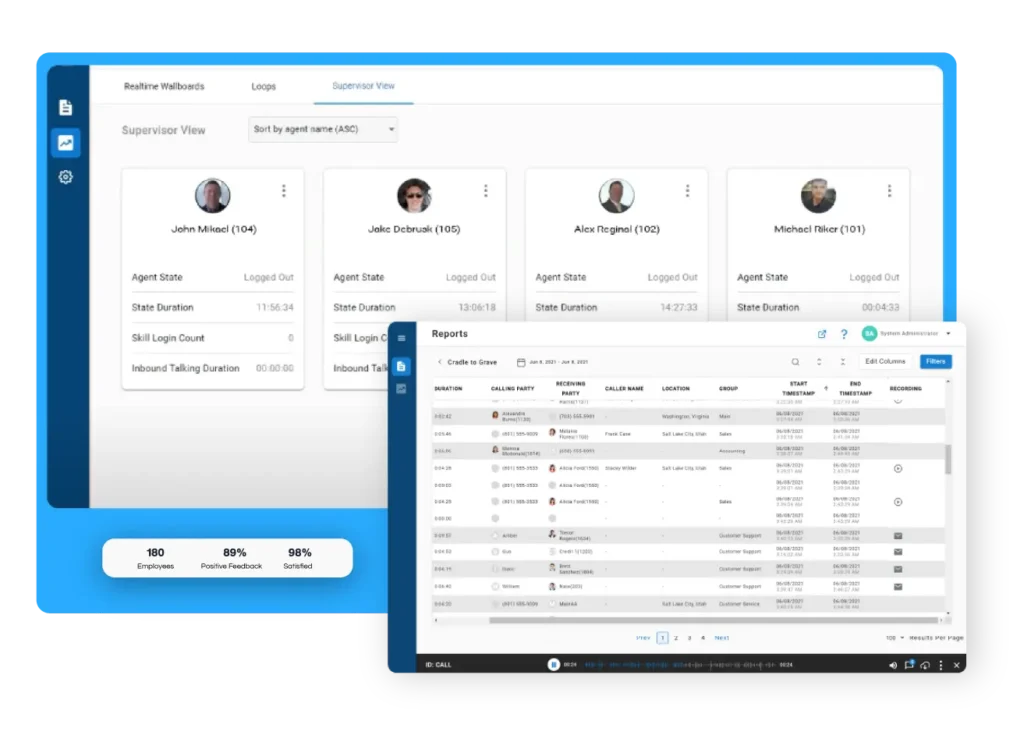
Xima’s reporting lets you view this activity alongside regular agent performance, making it easier to see the impact in one place.
Embed AI Into Your Contact Center With Xima
Your agents shouldn’t have to spend their day answering the same questions on repeat. AI messaging bots can take some of that busywork off their plates, helping customers get answers sooner while giving agents more time for conversations that need their expertise.
Xima’s AI contact center makes it easier to put that idea into practice without turning AI adoption into a massive project. Start with the routine interactions slowing your team down, keep a clear path to a live agent, and expand automation as you see what works.
Request a demo from Xima today to see how we can help your contact center work smarter, not harder.

FAQs About AI Messaging Bots for Small Business Contact Centers
AI messaging bots are best suited for routine, straightforward questions such as business hours, order status, and appointment requests. They can pull answers from existing FAQs and knowledge sources, so agents don’t have to handle every request themselves.
Yes, as long as your automation is set up with a clear human handoff process. Questions that are too complex, sensitive, or outside the bot’s scope can be automatically routed to a live agent.
It depends. You can start small with just one or two common question types and clear rules for when the bot should hand off to an agent. Test those interactions first, review the results, and expand automation as your team gets comfortable with it.
Yes, AI automation can run across the chat and messaging channels your small contact center already uses. That lets you add automation to existing customer touchpoints rather than creating an entirely new support process.